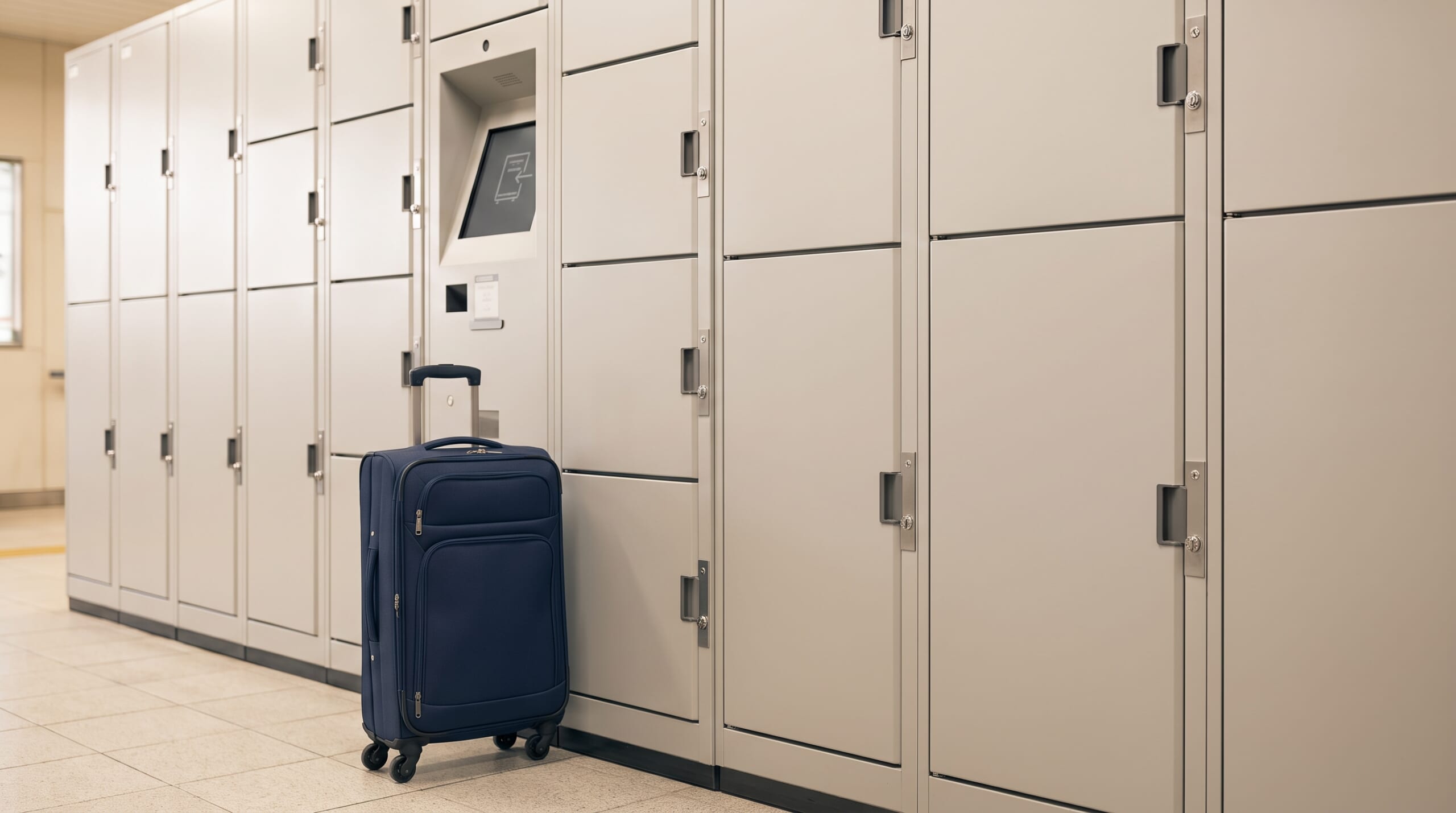
A few free hours before hotel check-in are much easier to enjoy without a suitcase. In Japan, station coin lockers and staffed luggage-storage services can help you explore with just a small day bag.
The essential rule is simple: choose a place you can return to, check its hours, and keep whatever opens the locker. This guide covers short-term luggage storage, with operator-specific examples rather than one set of rules for all of Japan.
- Before you pay: a one-minute checklist
- Find a locker you can return to easily
- Choose a size and understand the price
- How to put your luggage in—and get it back
- “One day” is not always 24 hours
- If the lockers are full or your bag does not fit
- If you cannot open the locker
- Useful Japanese words and phrases
- Quick questions
- Leave your bag, not your return plan
Before you pay: a one-minute checklist
- Return route: Will you come back to this station and this side of the ticket gates?
- Fit: Check the compartment dimensions against your bag, including wheels and handles.
- Time: Check access hours, the next extra-charge time, and the maximum storage period.
- Payment and key: Identify the accepted payment methods and whether retrieval needs a key, IC card, PIN, or QR ticket.
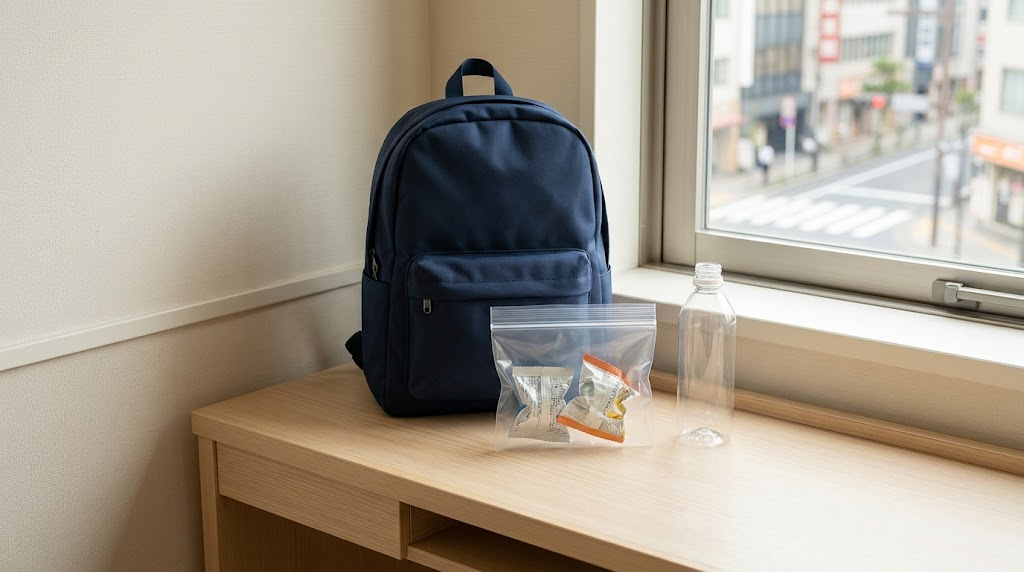
- Keep with you: Passport, wallet, phone, necessary medicine, travel tickets, and anything needed to unlock the compartment.
Find a locker you can return to easily
Look for “Coin Lockers,” a luggage symbol, or コインロッカー on station maps. Availability differs by station. JR East provides locker locations on major-station maps and indicates whether lockers exist in individual station information. JR East: finding station lockers
Check whether the locker is inside or outside the ticket gates. For sightseeing outside the station, a locker outside the gates can make collection simpler. If your chosen locker is inside, ask how to access it on your return; a storage payment does not include station admission. JR East specifically notes the need for an admission ticket when using its inside-gate Chiba Station lockers without taking a train. Chiba Station example
Before walking away, photograph the locker-bank name, compartment number, nearest exit, and a recognizable landmark. A map pin alone may not distinguish underground floors. Keep any PIN or QR code private.

Could I leave my suitcase at the first station I reach, then finish sightseeing somewhere else?

You could, but you would need to return for it. Plan your collection stop before choosing the locker—especially if your airport train leaves from another station.
Choose a size and understand the price
Labels such as S, M, and L are not a nationwide size standard. Measure your suitcase rather than relying on “carry-on” or “large.” JR East Smart Logistics publishes different dimension ranges even within a size category. If you can check the fit before payment, do so; if the machine requires payment first, read its size-change conditions first. Never force the door. Operator size guide
For a rough Tokyo budget, GO TOKYO lists the following examples. These are reference prices, not a nationwide tariff or a guaranteed quote. Read the fee and charging period on your chosen locker.
| Size label | Example price |
|---|---|
| Small | ¥400–¥500 (about US$2.70–$3.30) |
| Medium | ¥500–¥600 (about US$3.30–$4.00) |
| Large | ¥700–¥800 (about US$4.70–$5.30) |
| Extra large | About ¥1,200 (about US$8.00) |
Source: GO TOKYO luggage-storage guide. Dollar amounts use an illustrative planning rate of US$1 = ¥150, rounded to the nearest US$0.10; this is not a live exchange-rate quote.
Some lockers use variable pricing. JR East Smart Logistics identifies these with a sticker and directs users to the displayed price. Reservation services can also add a booking fee, so compare the final total. Variable pricing; Reservation fees
How to put your luggage in—and get it back
“Coin locker” does not always mean coins are required. One machine can offer several of the methods below, such as IC-card payment or cash with a PIN. These are ways to use and unlock a locker, not separate categories of machines. Check which method you selected.
Choose English if offered. Some machines let you load the bag first; others unlock a compartment after payment. The named examples below explain that difference. Follow your machine’s sequence rather than combining steps from different examples.
Using a physical key
To store your bag:
- Choose an empty compartment and check the instructions, price, and accepted coins.
- Place your bag fully inside, keeping straps clear of the door.
- Follow the indicated payment-and-locking sequence, then take the key and check the door is secure.
To collect your bag:
- Return to the same compartment with your key.
- Pay any extension charge as instructed, then unlock the door with the key.
- Remove all your belongings.
Bring yen coins if you plan to use a coin-only model; the accepted denominations vary. Do not assume a change machine is nearby. GO TOKYO: cash and key-operated lockers
Using an IC card as the key
Here is the sequence in JR East’s Welcome Suica locker example. It applies to a locker where the card itself is the key; other machines may use a different sequence.
To store your bag:
- Put your bag in an available compartment and close the door.
- At the screen, choose Suica payment and check the compartment number and fee.
- Touch the card to the reader to pay and lock the compartment.
- Take the receipt and check that the door is locked. Keep the card and receipt with you.
To collect your bag:
- Return to the same locker bank and choose the retrieval option.
- Touch the same card to the reader. Follow any extra-payment instructions.
- Open the released door and remove all your belongings.
The receipt includes the locker location and contact details. JR East: Welcome Suica locker instructions
“The same card” means the card used to lock this compartment, not another card of the same brand. If you use a supported mobile IC card, keep that phone or watch with you. A bank card used for payment is not automatically the key. Always keep the unlocking item specified on the screen; never lock your phone inside if it holds that item.
Using a PIN printed on a receipt
For example, Keio’s cash-and-PIN instructions describe this process. A PIN is the number used to unlock the compartment.
To store your bag:
- Put your bag inside and close the door.
- Select cash payment on the screen, check the compartment and fee, and pay as instructed.
- Take the receipt containing the PIN and check that the door is locked. Keep the receipt private and safe.
To collect your bag:
- On return, choose retrieval, then the PIN option, and enter the number from the receipt.
- Complete any additional-payment prompts, then open the released door and remove everything.
On these machines the receipt is your key, not merely proof of payment. Keio: cash/PIN and IC-card instructions
Using Multi-Ecube without a reservation
This example uses a different order: payment comes before loading the bag.
To store your bag:
- Choose deposit on the screen, select an available compartment, and confirm the details.
- Select an accepted payment method and pay.
- Take the printed retrieval ticket. The operator says the door will not unlock until you take it.
- Load the selected compartment, close the door, and lower the lever beside it. Check that it is locked.
To collect your bag:
- Choose baggage retrieval, confirm the notice, and select the unlocking method associated with your deposit.
- Use the specified IC card or the code on your ticket as instructed. Complete any extra-payment prompts.
- Remove everything, then close and lock the compartment as directed.
Keep the retrieval ticket even if you expect to use an IC card. A QR code for unlocking is not the same as a QR-payment app. Multi-Ecube: walk-up deposit and retrieval
Using an online Multi-Ecube reservation
For storage you booked through Multi-Ecube’s own website, use its reservation flow instead of starting a new walk-up rental.
To store your bag:
- Go to the locker bank named in your confirmation email. Keep the reservation number or QR code available.
- Choose the existing-web-reservation option, then the Multi-Ecube storage service and deposit. Enter the reservation number or scan the QR code.
- Put your bag in the indicated compartment, close the door, and lower its lever to lock it.
To collect your bag:
- Return to the same locker bank and use the same web-reservation menu, but choose retrieval.
- Enter the reservation number or scan the QR code.
- Remove all your belongings before closing the door.
Button wording can vary by screen language. A booking made through a different service may have its own menu and instructions. Multi-Ecube: online reservation instructions
Before I lock it, I’ll take out my rain jacket and phone charger too. Anything else I might need during the walk?
Think through the next few hours. Opening an ordinary locker usually ends that rental, so leaving something you need inside can mean paying again. Only rely on repeat access when your plan explicitly includes it.
Repeat-access plans are exceptions: see the locker manufacturer’s explanation and Multi-Ecube’s separate repeat-access service terms.
“One day” is not always 24 hours
Separate three different limits: when you can reach the locker, when another fee starts, and how long you may leave the bag there.
For example, JR East Smart Logistics describes a 2 a.m. daily charging boundary and a maximum of three days counted from the start date. Metro Commerce’s published terms instead allow up to four days including the first day, with access from the first train until the last. These are examples of different operators’ rules, not a rule for every station. JR East Smart Logistics FAQ; Metro Commerce terms (Japanese PDF)
For a charging example, if a locker charges again at 2 a.m., leaving a bag from 8 p.m. until 10 a.m. the next morning can cross into a second charge even though only 14 hours pass. That does not mean you can access the station at 2 a.m. Set your collection reminder for before the posted closing time, allowing time to find the right locker bank.
If the lockers are full or your bag does not fit
- Check another locker bank: use the station’s official map or a linked availability service. Metro Commerce lists its Tokyo Metro locations and an availability search; a vacancy display is not a reservation.
- Ask your accommodation: check whether it can hold your bag before check-in or after checkout, when you must collect it, and whether there is a fee.
- Look for staffed storage: a baggage counter or a reservable service such as ecbo cloak may suit an awkwardly shaped bag. Check the exact address, accepted items, price, and collection hours before booking.
Metro Commerce locker search; ecbo cloak official help. Allow a collection buffer before any train or flight; an independently operated shop’s opening hours can change.
For a multi-day trip, compare luggage delivery with a storage service that explicitly accepts your dates. Delivery is a separate service: confirm the destination, arrival date, and accommodation’s ability to receive it before handing over your bag. Keep essentials for the journey with you. GO TOKYO: luggage delivery
If you cannot open the locker
Check the locker-bank name and compartment number, then the key, the IC card used to lock it, or the retrieval code. Read any message about extra charges. If it still will not open—or you have lost the key or code—contact the operator shown on the locker or receipt. Give the location, number, deposit time, and a description of the bag.
Identification and an unlocking fee may be required. Station staff may help you find the contact details, but are not necessarily able to unlock it: Metro Commerce specifically directs users to its own operator number. Support hours may also differ from locker access hours. Never force a door. Metro Commerce: lost credentials and assistance
Useful Japanese words and phrases
- コインロッカー — koin rokkā — Coin locker
- 預け入れ — azukeire — Deposit / put luggage in
- 取り出し — toridashi — Retrieve / take luggage out
- 空き — aki — Vacant / available
- 使用中 — shiyōchū — In use
- 追加料金 — tsuika ryōkin — Additional charge
You can show these sentences to staff if speaking is difficult:
- コインロッカーはどこですか?
Koin rokkā wa doko desu ka?
Where are the coin lockers? - 何時まで荷物を取り出せますか?
Nanji made nimotsu o toridasemasu ka?
Until what time can I collect my luggage? - ロッカーが開きません。
Rokkā ga akimasen.
The locker will not open. - 鍵をなくしました。
Kagi o nakushimashita.
I have lost the key.
The line over a vowel, as in ā, indicates a longer vowel sound. Machine wording may differ.
Quick questions
What if I leave the bag past the storage limit?
The operator may remove it to another storage location and charge additional fees. Contact the operator promptly; do not assume the bag will remain in the same compartment. JR East Smart Logistics: overdue storage
Do I need an app or an IC card?
Not for every locker. Some accept coins and use a physical key; others issue a retrieval ticket. Online reservations may require an account. Choose a system you can pay for and unlock.
Can I still use my IC card for trains?
Using a compatible IC card as a locker key does not mean leaving the card in the locker. Keep it with you for collection, and keep enough balance for your journey and any additional locker fee.
What should I avoid storing?
Keep valuables and essential documents with you. Follow the operator’s prohibited-items list; do not treat an ordinary locker as refrigerated storage for perishable food. Permitted-items rules
Leave your bag, not your return plan
Before heading out, check that the locker is secure, save its exact location, and keep the key, IC card, or retrieval ticket with you. A convenient collection point and a realistic pickup time matter as much as finding an empty compartment.
For the next part of your journey, see How to Ride Trains in Japan: Tickets, IC Cards & First-Trip Tips.
Checked September 29, 2026, using the official sources linked throughout. Prices, accepted payment methods, access hours, and service conditions vary by location and can change. Operator examples are identified so they are not mistaken for nationwide rules.
コメント